Image Sculptor – Professional Portability Without the Price Tag.
Just released by our sister site – photoedithelp.com under their software brand – Image Sculptor by Lumatic Lab is a free, privacy-focused web application designed for photography enthusiasts who require more creative control than basic editors offer without the complexity of professional software. It also helps in today’s economically challenged world by being optimized for accessible hardware like low-cost PC’s and Chromebook Plus.
Not only is Image Sculptor free, it operates entirely on the user’s local device, the software ensures data security by never uploading images or tracking personal information – there are no logins, no email addresses collected, no ‘paid for’ enhancements or ‘levels’, NO ‘phoning home’ or suchlike’.
Image Sculptor transforms images through a specific workflow that prioritises tonal mapping and colour grading. Users can manipulate brightness zones, apply textures, and monitor signal integrity with tools like histograms and zebra warnings to prevent detail loss. To prevent ‘Ghosting’ Image Sculptor performs a fresh redraw every time you move a slider and to protect your investment of time Image Sculptor exports cinema-grade 33^3 .cube files , using a high-fidelity trilinear interpolation kernel.
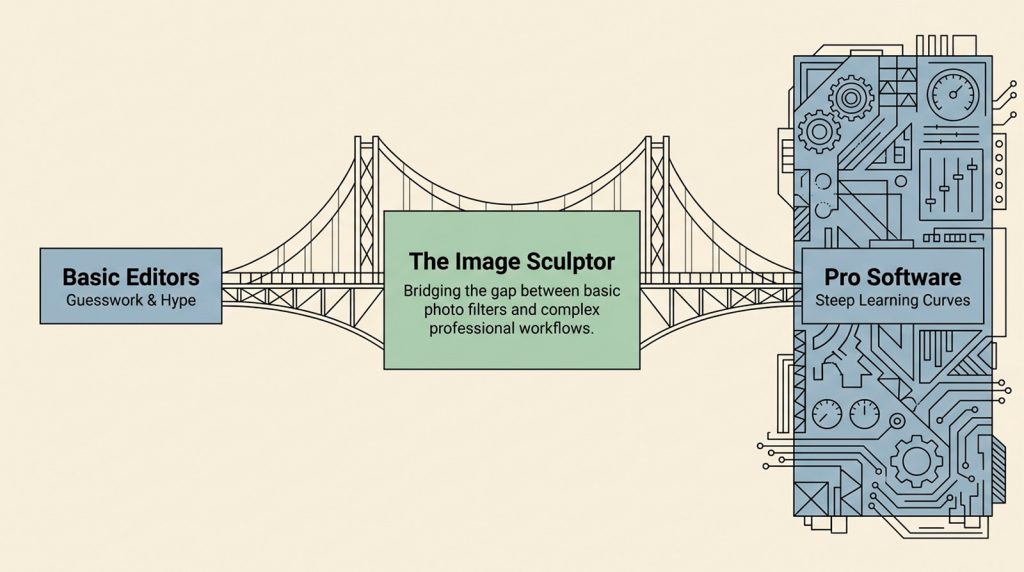
YOUR Path to Intentional Editing – Image Sculptor serves as a bridge to a more disciplined, refined editing style. It moves you away from accidental results and toward a transparent, non-destructive process. As you develop your photographic eye, the choice is yours: do you prefer “black box” AI editing, or the transparency of mathematical control?
Your work is never wasted as Image Sculptor provides high-quality exports including professional-grade LUTs files for external use. Ultimately, the tool serves as a bridge for hobbyists to develop a more intentional and refined editing style through a transparent, non-destructive process.
This PDF file summarises our Image Sculptor whilst this one goes into greater detail.
Click here to access the Image Sculptor. The User Guide is here.